Header Overlay
15 powerful scheduling tools included

Stop Chasing Bookings.
Let Customers Schedule Themselves.

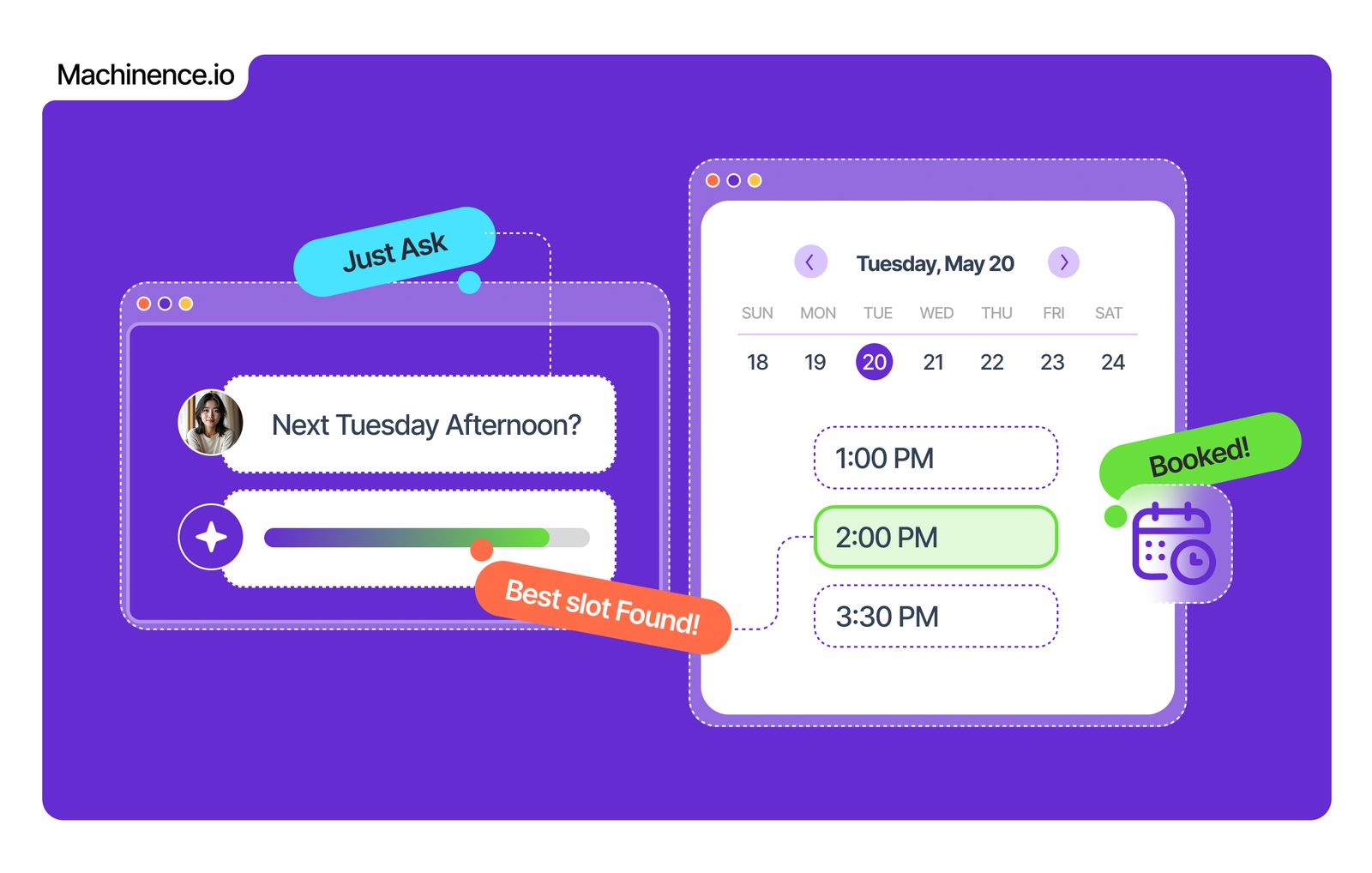
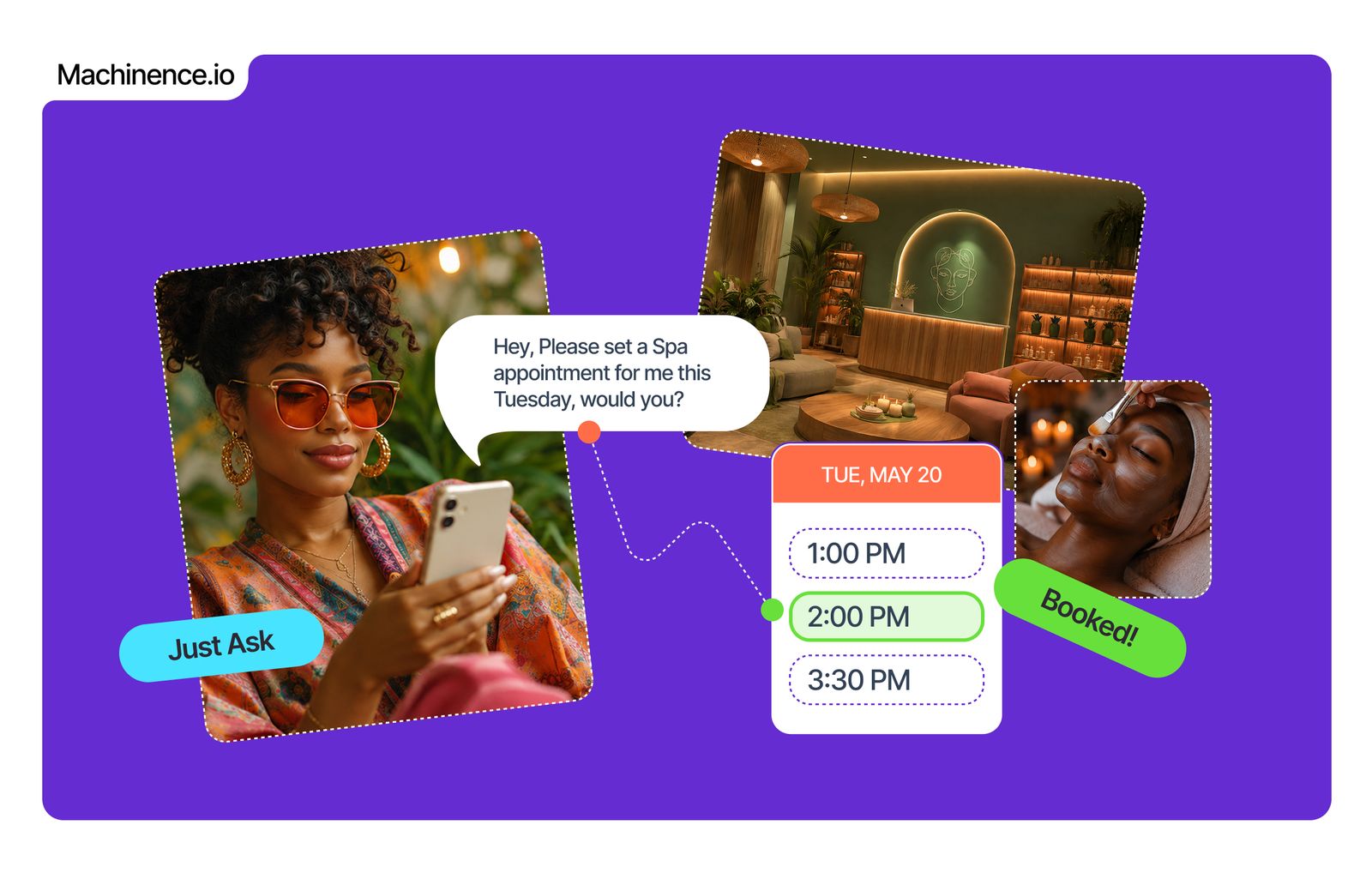
Smart Calendar gives your business a professional booking page, automatic confirmations, payment collection and two-way Google Calendar sync - all without lifting a finger.

7-day free trial · No credit card required · Cancel anytime

Bloom Studio

bloomstudio.machinence.io/book

Select a Service

Hair Consultation
60 min · In-person
£45
Full Colour & Cut
120 min · In-person
£120
Virtual Styling
30 min · Online
£35

March 2026

M
T
W
T
F
S
S
1
2
3
4
5
6
7
8
9
10
11
12
13
14
15
16
17
18
19
20
21
22
23
24
25
26
27
28
29
30
31

FRI 14 MAR — Available Times

09:00
10:00
11:00
12:00
14:00
15:00
16:00

Why Smart Calendar

The Booking Back-and-Forth Ends Today

Every phone call, text and email you spend arranging appointments costs you time and money. Here is why smart scheduling changes everything.

Customers Book Themselves

Share your booking link and let customers choose their own time. No back-and-forth, no missed calls, no scheduling headaches.

Get Paid at the Point of Booking

Accept full payment or a deposit upfront. Eliminate no-shows and protect your revenue before the appointment even starts.

Zero No-Shows With Reminders

Automatic email reminders go out before every appointment so customers never forget - and you never lose a booking slot.

Google Calendar Always in Sync

Two-way sync with Google Calendar means your availability is always accurate. Book on Machinence, see it instantly in Google, and vice versa.

Your Own Public Booking Page

A clean, mobile-optimised booking page at yourdomain.com/book - ready to share on social, in emails and on your website.

All Appointments in One View

See everything at a glance in a full calendar view. Upcoming, past, cancelled and rescheduled - all managed from one place.

3x
more bookings vs
phone-only scheduling
67%
fewer no-shows with
automatic reminders
24/7
bookings accepted even
when you are closed

How It Works

From Zero to Fully Booked in 4 Steps

Set up once, take bookings forever. Here is exactly how Smart Calendar works for your business and your customers.

01
Set Up Your Services

Create unlimited bookable services. Set the name, duration, price and your available hours for each one.

02
Share Your Booking Link

Your public page goes live at yourdomain.com/book. Share it anywhere - social media, emails, WhatsApp or your website.

03
Customer Books and Pays

The customer picks a time, enters their details and pays the full amount or a deposit - all on your branded booking page.

04
Both Sides Are Confirmed

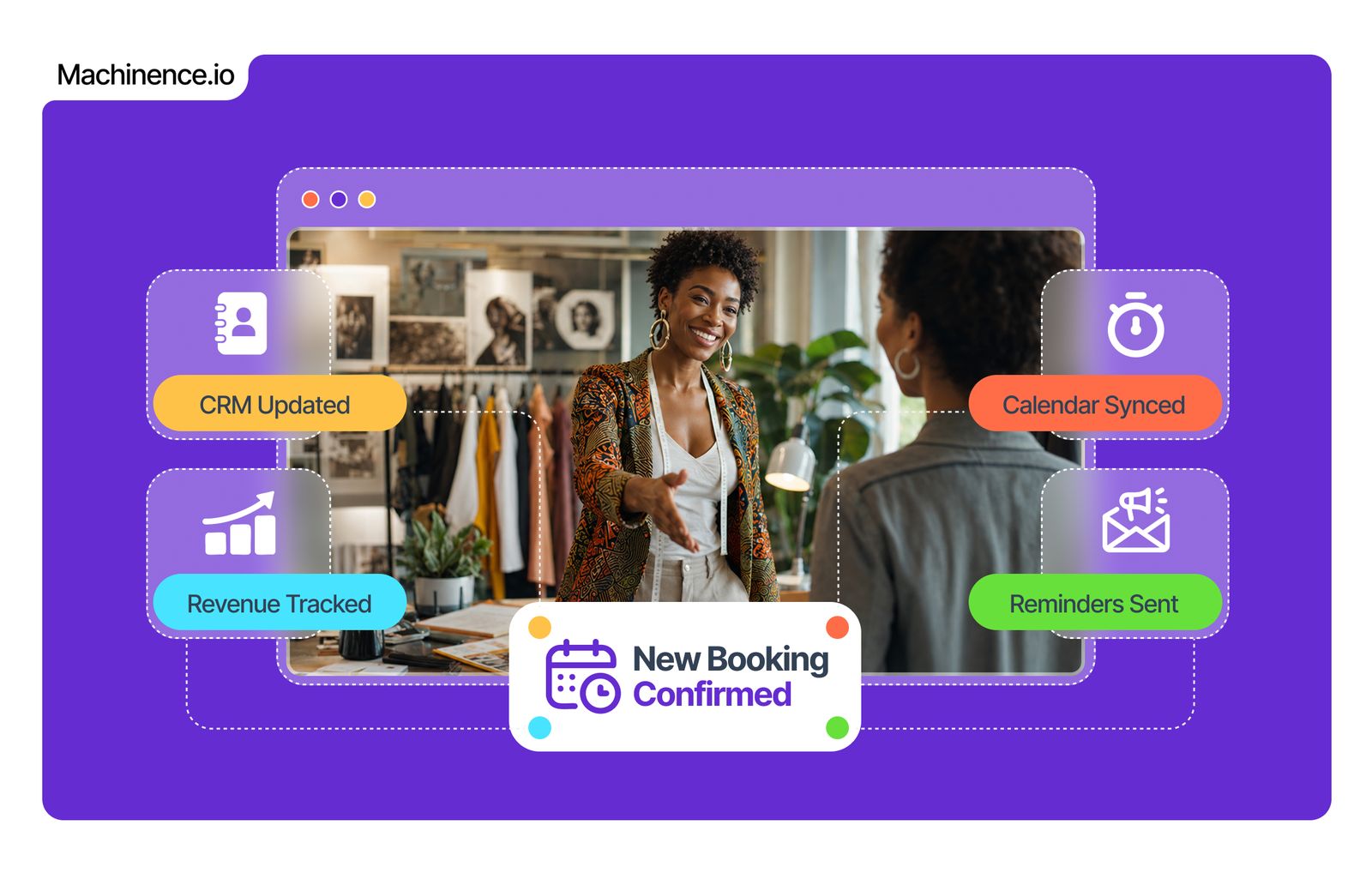
You and your customer both receive automatic confirmation emails. The appointment appears instantly in your calendar.

My Calendar

Week of 13 March

MON 9
Hair Consultation
Emma Wilson
09:00
Virtual Styling
Kezia Adeyemi
14:00
TUE 10
Full Colour & Cut
Sophie Marchand
09:00
Hair Consultation
Priya Kapoor
14:00
WED 11
Brow Shaping
Lucia Fernandez
10:00
Virtual Styling
Nina Rashid
13:00
Hair Consultation
Jade Laurent
15:00
THU 12
Full Colour & Cut
Amara Tunde
09:00
Brow Shaping
Rosa Campbell
14:00
FRI 13
Hair Consultation
Sarah Mitchell
09:00
Virtual Styling
Mei Zhang
11:00
Full Colour & Cut
Fatima Al-Hassan
14:00
SAT 14
Virtual Styling
Clara Dubois
09:00
Hair Consultation
Yemi Okonkwo
11:00
Brow Shaping
Isabel Santos
14:00
Hair Consultation
Anya Petrov
16:00
SUN 15

What Our Clients Say

Businesses That Never Miss a Booking

Real founders. Real results. No script.

I used to spend 45 minutes a day on the phone arranging appointments. Now my booking page does all of that for me while I sleep. I woke up on Monday to seven new bookings and two deposits already in my account. Honestly life-changing for a small business owner.

Tony Bell
Tony Bell
Owner, Bell Consulting, London

The two-way Google Calendar sync was the feature that sold it for me. I live in Google Calendar and now everything just appears there automatically. No double-booking, no missed appointments, no stress.

Mia King
Mia King
Founder, Kaya Wellness, Manchester

No-shows dropped by more than half after we turned on email reminders. That alone pays for the entire Machinence subscription many times over. Our revenue is so much more predictable now.

Tim Baker
Tim Baker
Director, Baker & Co, Birmingham
G2

All 15 Tools

Every Scheduling Tool Your Business Will Ever Need

Every feature to book, manage, confirm, remind and get paid - included in your Machinence plan at no extra cost.

Accept Bookings Automatically

Your business takes bookings 24 hours a day, 7 days a week

Online Appointment Booking

A fully functional booking system that accepts appointments around the clock without any manual input.

Customer Self-Scheduling

Customers see your live availability and choose their own slot. No back-and-forth messages or phone calls.

Public Booking Page

A clean, branded booking page at yourdomain.com/book - ready to share anywhere in seconds.

Share Booking Link

One link to share on social media, in emails, on WhatsApp and anywhere else your customers find you.

Configure Your Services

Set up every service exactly as you need it

Set Duration, Price & Availability

Define exactly how long each service takes, what it costs and when you are available to deliver it.

Create Unlimited Services

No cap on the number of bookable services you can offer. Add as many as your business needs.

Free Booking Option

Offer free consultations, discovery calls or no-cost services alongside your paid bookings.

Mobile-Optimised Page

Your booking page works beautifully on every device - smartphones, tablets and desktops.

Get Paid at the Point of Booking

Secure revenue and eliminate no-shows before the appointment starts

Accept Full Payment at Booking

Collect the complete service fee at the point of booking. Revenue is secured before you lift a finger.

Accept Deposit at Booking

Take a partial deposit to confirm commitment. Drastically reduces no-shows and last-minute cancellations.

Automatic Booking Confirmation

Customers receive an instant confirmation email the moment they book. Professional and reassuring.

Appointment Reminders (Email)

Automated reminder emails sent before each appointment. Fewer forgotten bookings, more reliable revenue.

Manage All Your Appointments

Full visibility and control over everything in your calendar

Calendar View

See all upcoming and past appointments in a clean, full calendar view. Day, week and month at a glance.

Customer Contact Details

Every booking includes full customer contact information so you can reach them directly when needed.

Cancel & Reschedule Management

Handle cancellations and reschedules cleanly and professionally. Slots are released automatically.

Google Calendar Sync (2-Way)

Real-time two-way sync with Google Calendar. What you book in Machinence appears instantly in Google, and vice versa.

Your Next Booking Is 5 Minutes Away

Set up your booking page today and start taking appointments and payments tonight.

7-day free trial No credit card needed Cancel anytime 15 scheduling tools Payments included

Frequently Asked Questions

How quickly can I set up my booking page?+
Most businesses are live and taking bookings within 20 to 30 minutes. The setup wizard walks you through adding your services, setting your availability and publishing your booking page at your own domain.
Can I accept payments when customers book?+
Yes. You can collect the full service fee or a deposit at the point of booking. All payments are processed securely and deposited directly to your account. This is one of the most effective ways to eliminate no-shows.
How does Google Calendar sync work?+
Smart Calendar connects to your Google Calendar with two-way synchronisation. When a customer books through Machinence, the appointment appears immediately in Google Calendar. When you block time in Google Calendar, that time becomes unavailable in your Machinence booking page automatically.
Can I offer different services with different prices and durations?+
Yes, and there is no limit on the number of services you can create. Each service has its own name, duration, price, availability window and booking settings. You can mix paid and free services on the same booking page.
What happens when a customer cancels or needs to reschedule?+
Cancelled appointment slots are automatically released back into your availability. You can manage rescheduling directly from your calendar dashboard. Customers receive notifications and the booking slot opens up for others to book.
Are booking confirmation and reminder emails automatic?+
Yes. Confirmation emails go out to both you and your customer the moment a booking is made. Reminder emails are sent automatically before the appointment at the intervals you choose. No manual work required.
Is the booking page mobile-friendly?+
Completely. Your booking page is fully responsive and optimised for all screen sizes. The majority of bookings are made on mobile devices, and the Smart Calendar booking flow is designed to be fast and frictionless on a smartphone.
Is Smart Calendar included in my Machinence plan?+
Yes. All 15 Smart Calendar tools are included in every Machinence plan. There are no extra fees for bookings, no per-transaction charges from us and no limits on the number of appointments you can manage.

Stay in the loop with exclusive offers, industry insights, and updates